GUI Libraries
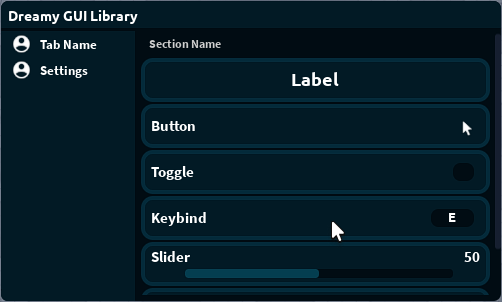
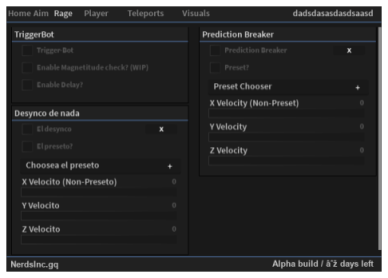
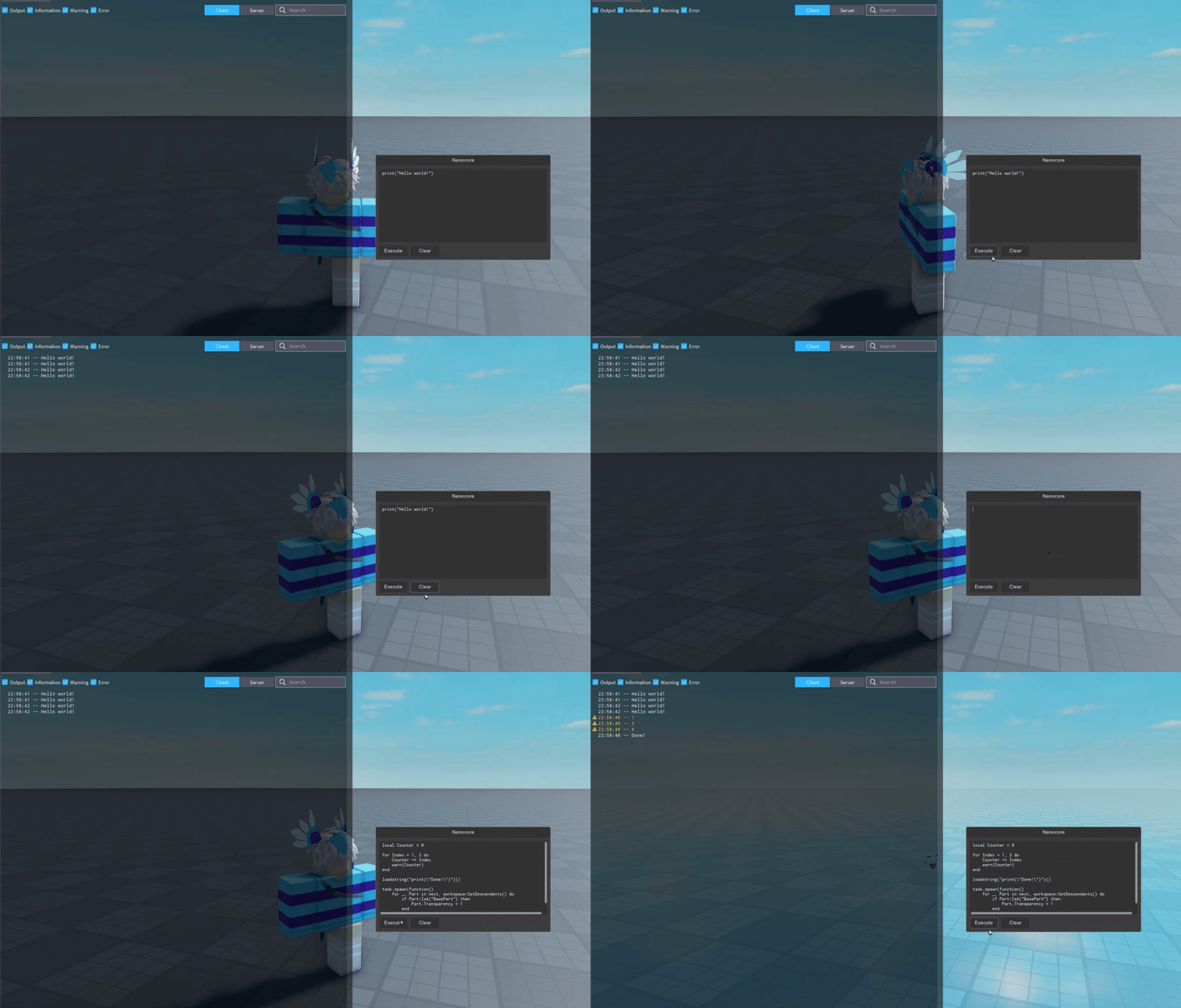
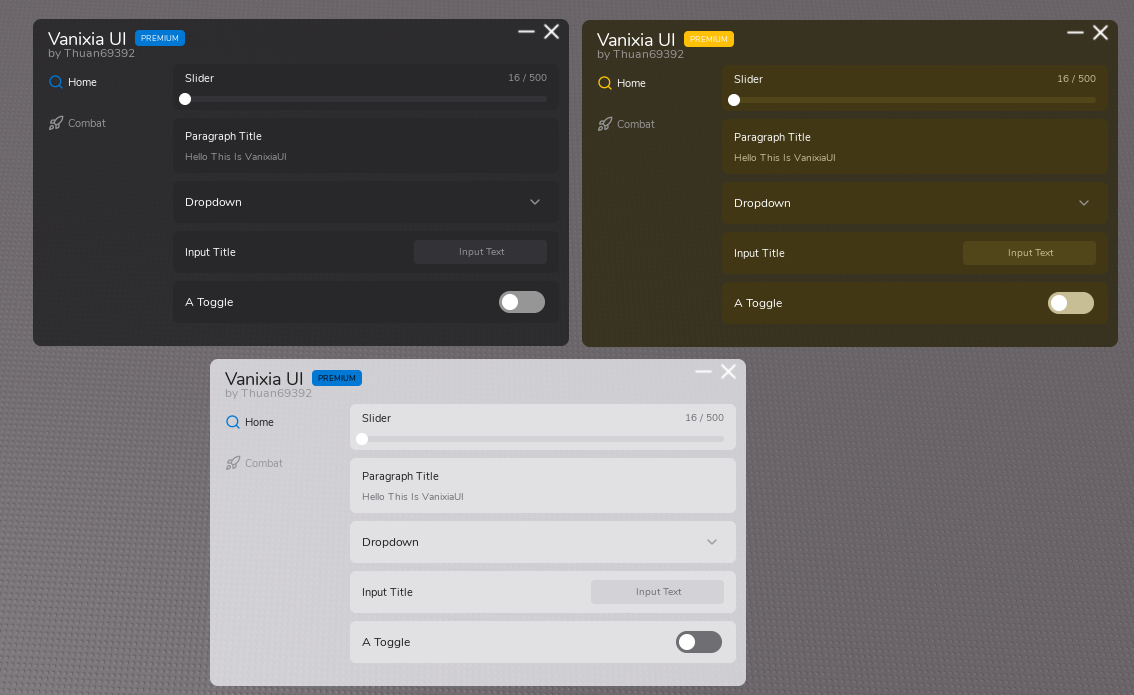
Ready-made interface libraries for your scripts. Hook one up with a single line: loadstring(game:HttpGet("..."))() — and draw a window with tabs, buttons and sliders. Official libraries are published on behalf of GrieferHub.
📚 How to use a GUI library
Any library from here is plain Lua code downloaded straight into your script, giving you ready functions for drawing an interface. The API works like a regular library: call a function — get a window, a button, a toggle.
Pick a library
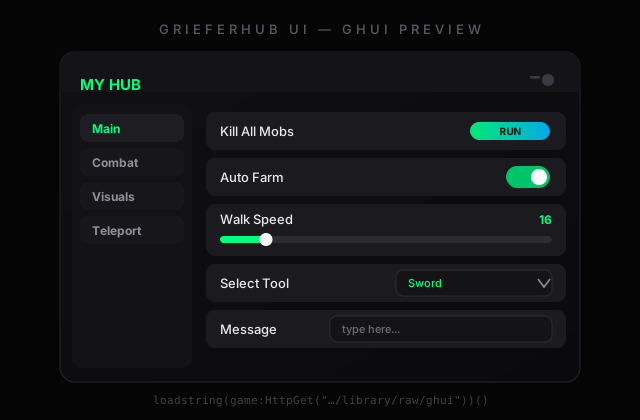
For a new script take GrieferHub UI (GHUI) — our SDK with a stable API. The others (Rayfield, Kavo…) have their own method names — they are listed on each library page.
Copy the loadstring
On the library page press Copy next to the lineloadstring(game:HttpGet("..."))()
and paste it as the very first line of your script.
Draw the interface
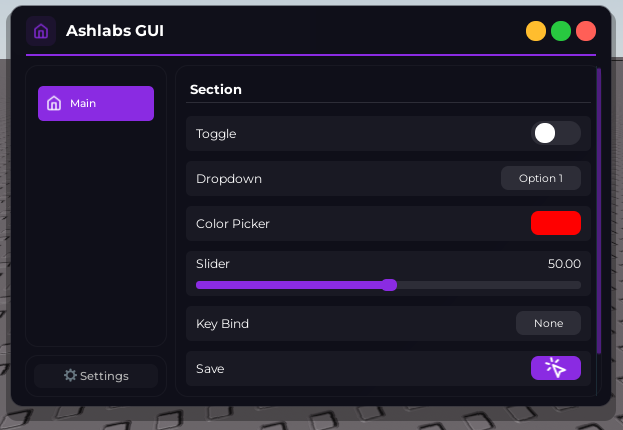
Use the library functions: CreateWindow, CreateTab, CreateButton, CreateToggle, CreateSlider, CreateDropdown — done, a window appears in the game.
-- Full minimal example (GHUI):
local UI = loadstring(game:HttpGet("https://secret.griefer.world/library/raw/ghui"))()

local Window = UI:CreateWindow({ Title = "My Hub" })
local Tab = Window:CreateTab("Main")

Tab:CreateToggle({
    Title = "Auto Farm",
    Callback = function(state)
        farming = state   -- true while the player has the toggle on
    end,
})

Tab:CreateButton({
    Title = "Kill All",
    Callback = killAllMobs,   -- your function
})
💡 Every element returns a control object (toggle:Set(true), window:Destroy()) — the full method table is on the GHUI page. Loads through our domain are counted in your stats and do not depend on GitHub availability.